Empathy Maps
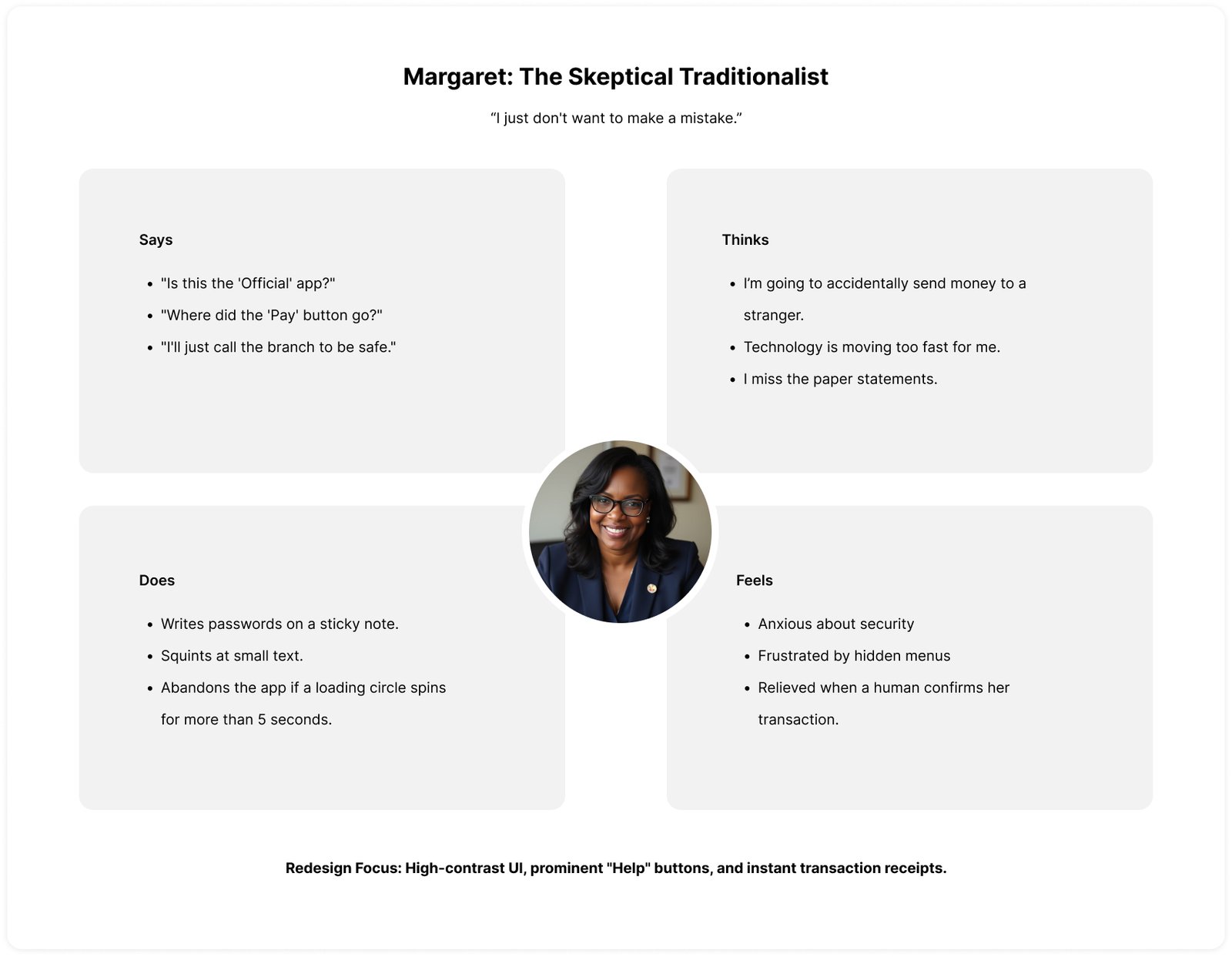
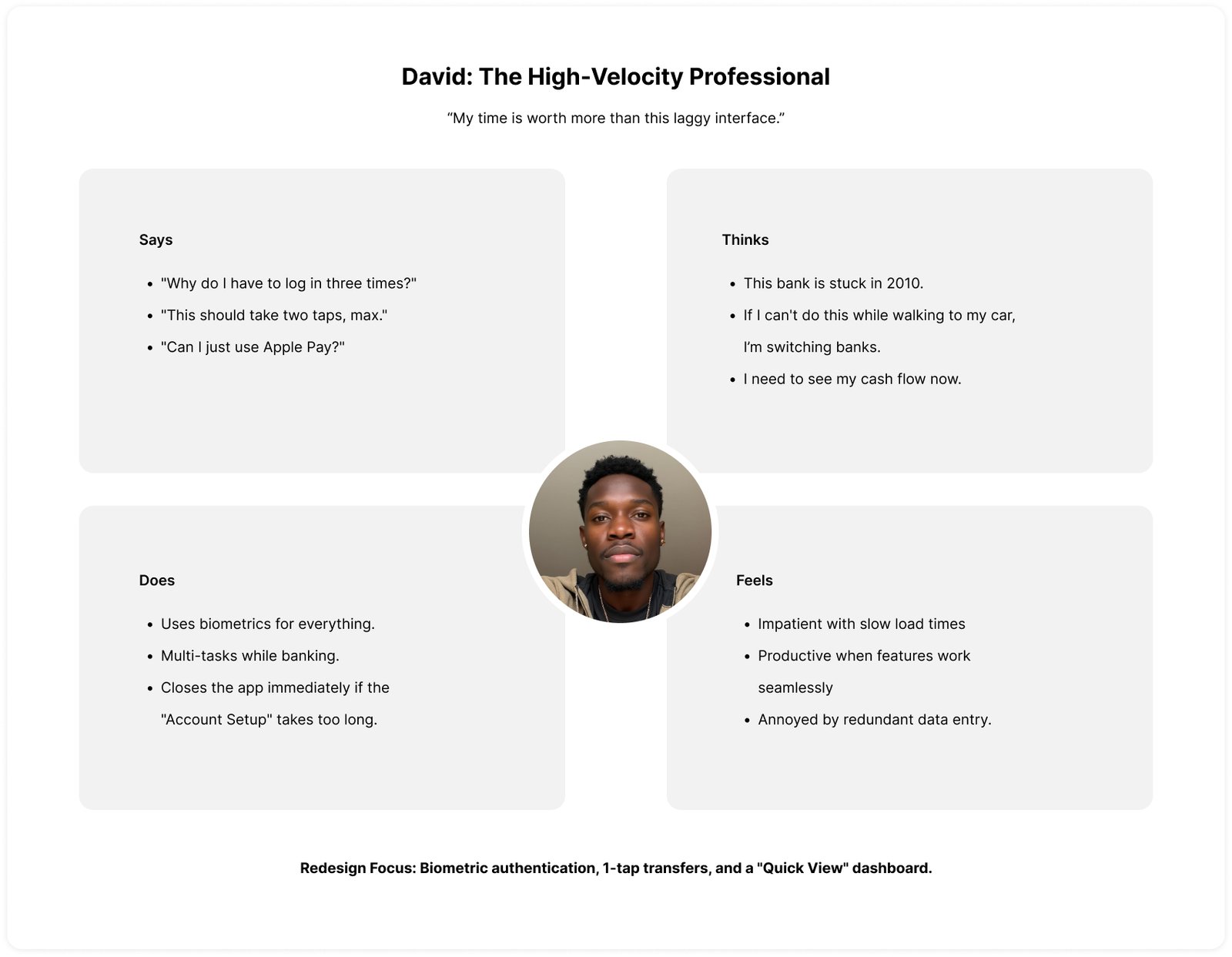
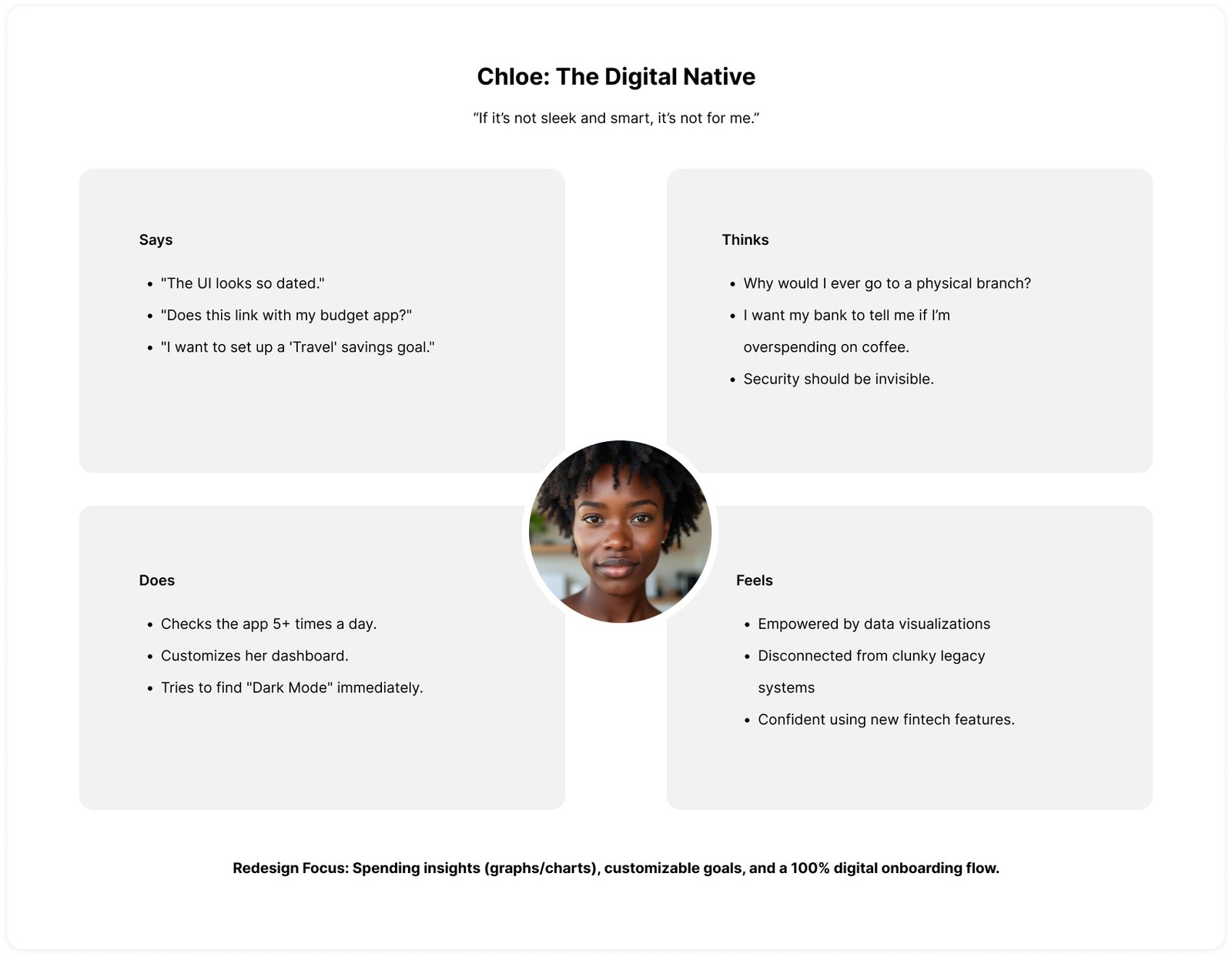
To build a truly “intuitive and secure” app, we have to look past the screen and into the user’s headspace.
These empathy maps break down the internal and external drivers for Margaret, David, and Chloe, helping us understand why the 2.3-star version failed them and how the redesign wins them back.
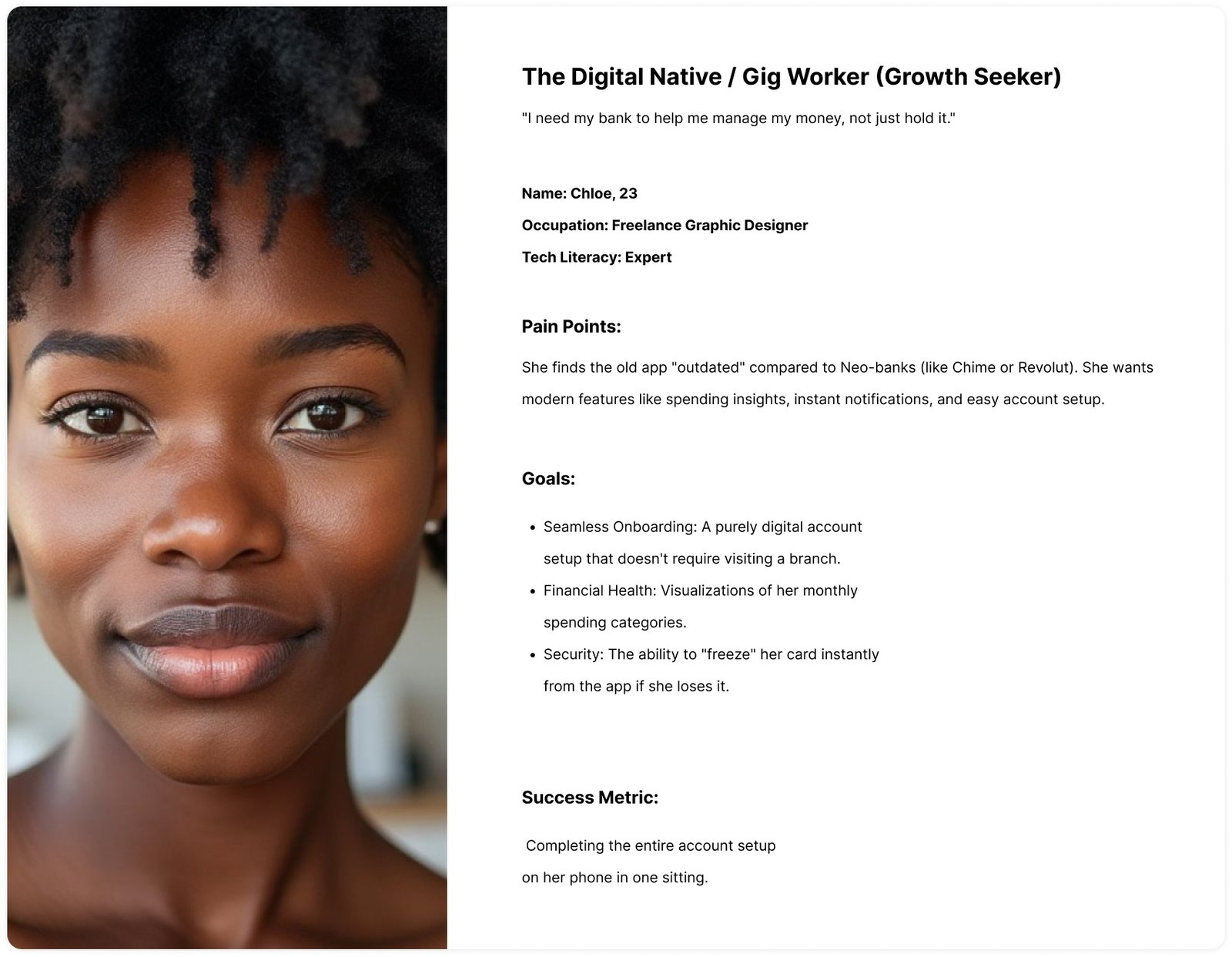
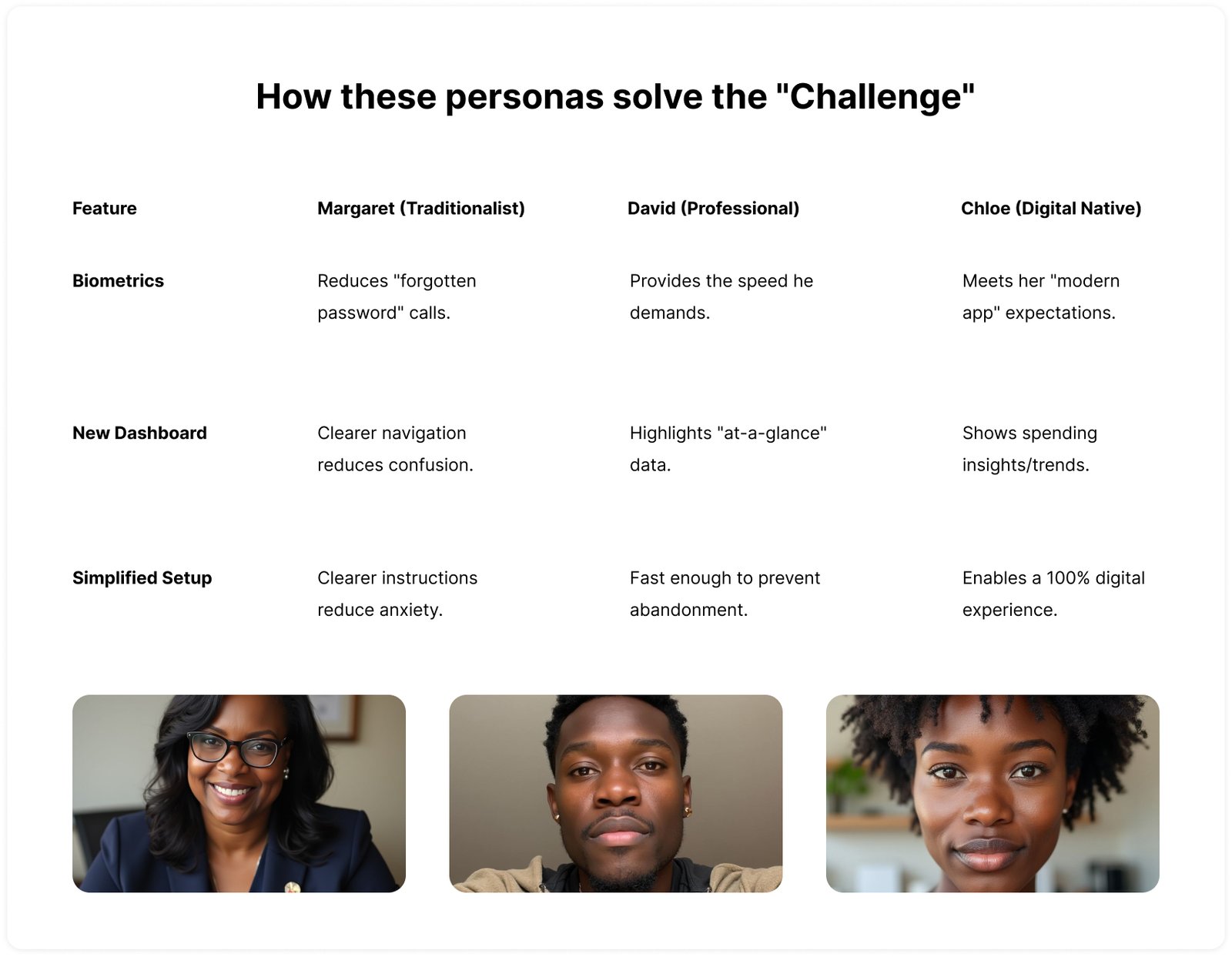
User Personas
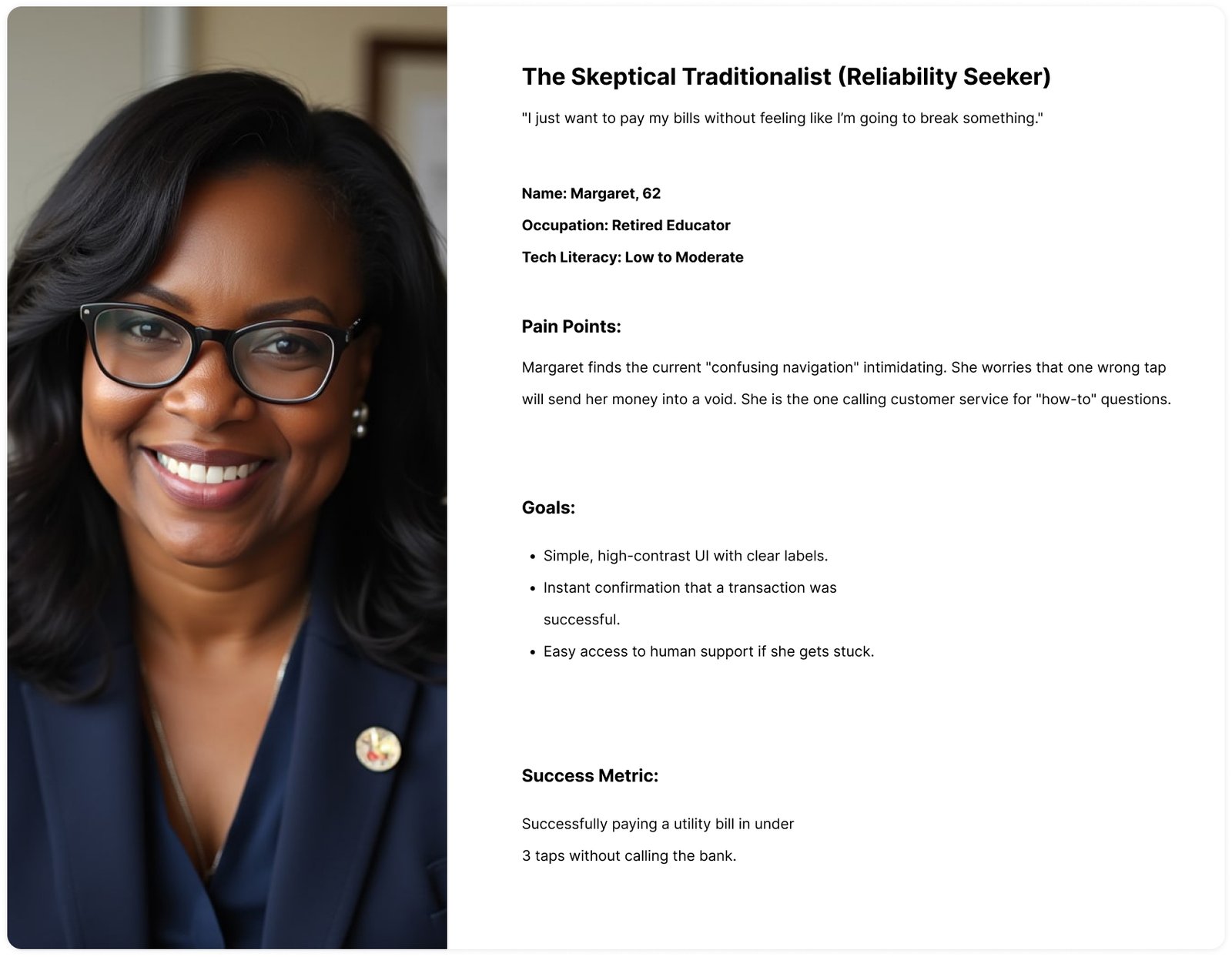
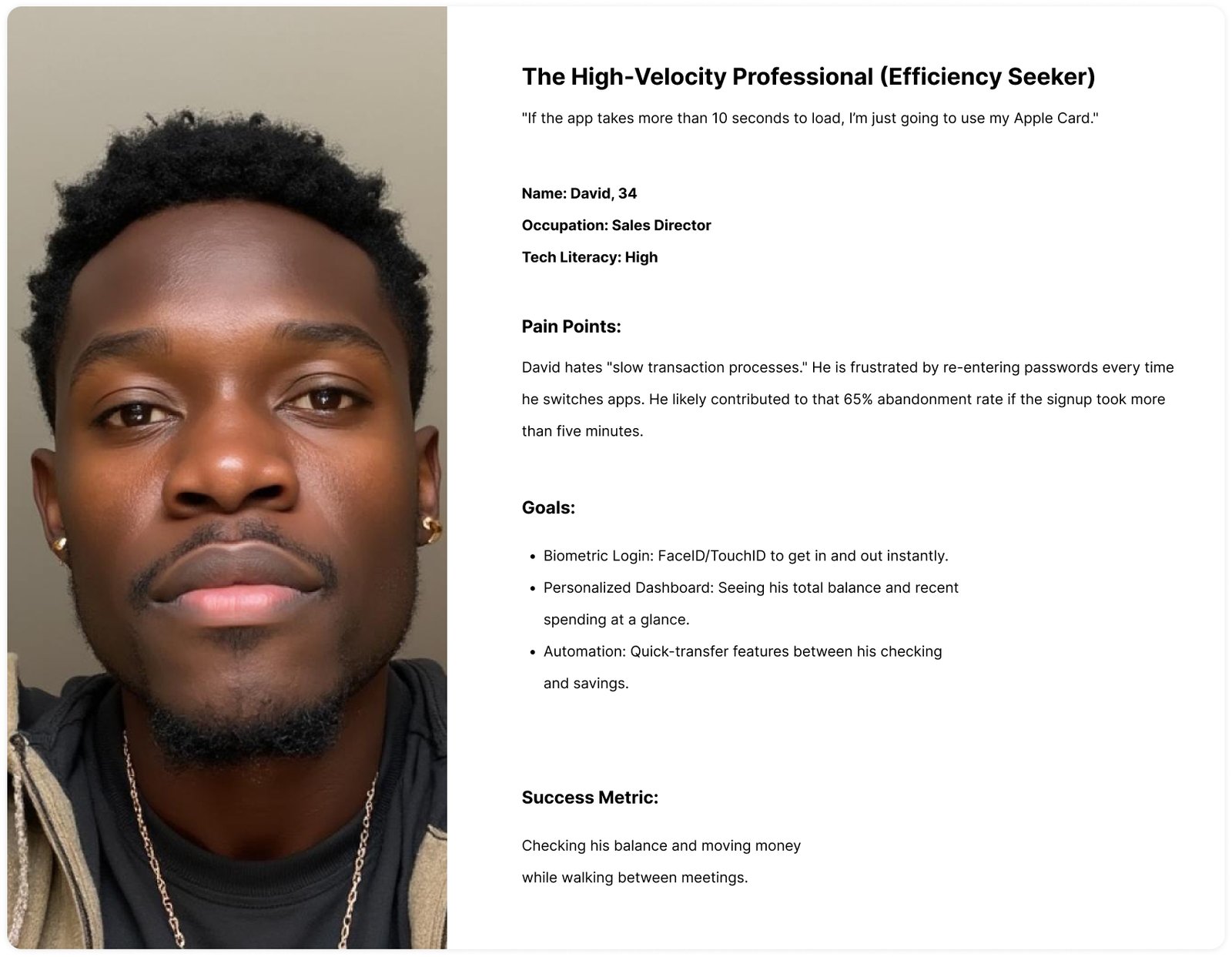
To help SecureBank turn that 2.3-star rating around, I needed to address the three biggest pain points identified in the challenge: navigation complexity, onboarding friction, and feature gaps.
Below are three distinct user personas designed to represent the diverse needs of our customer base.
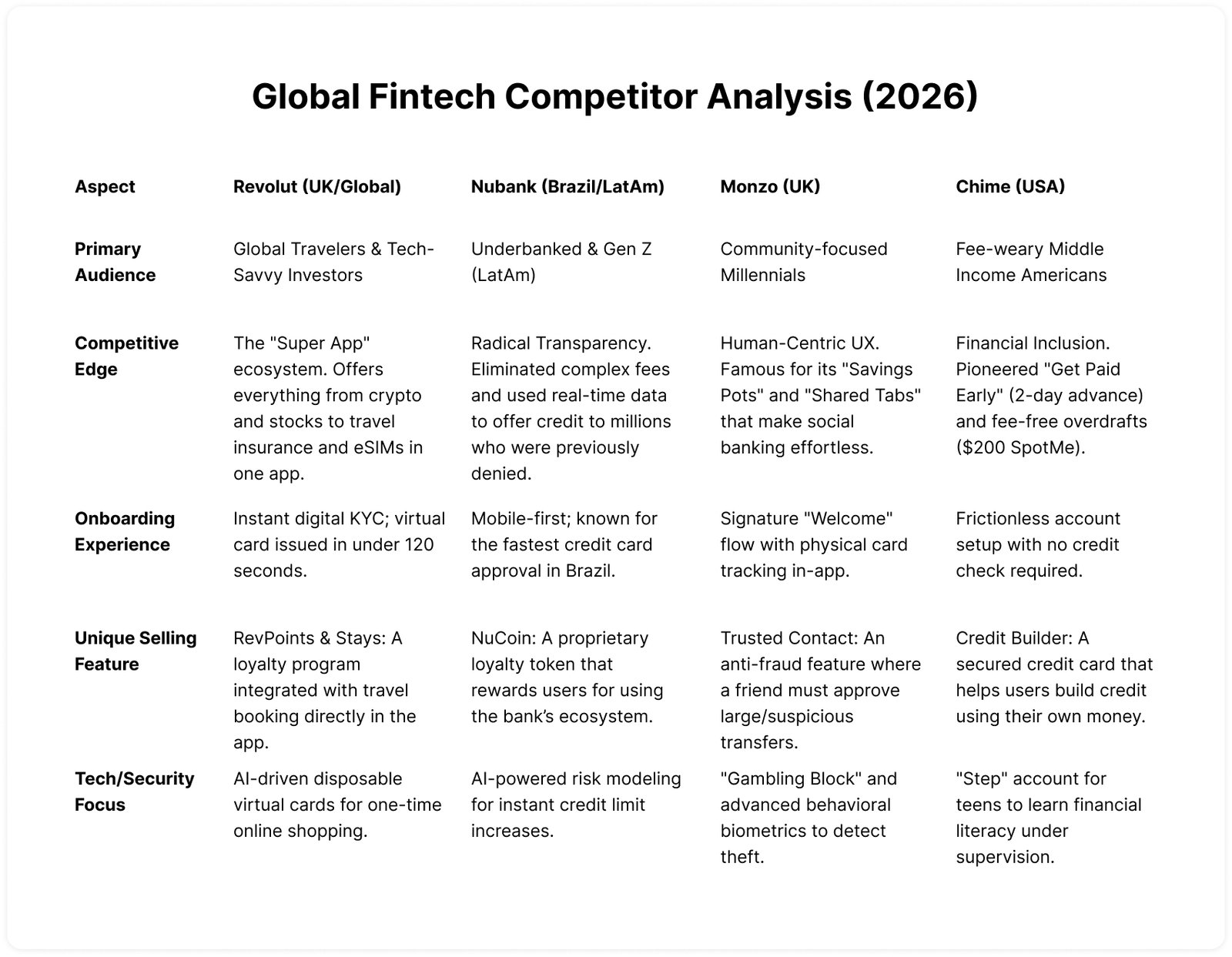
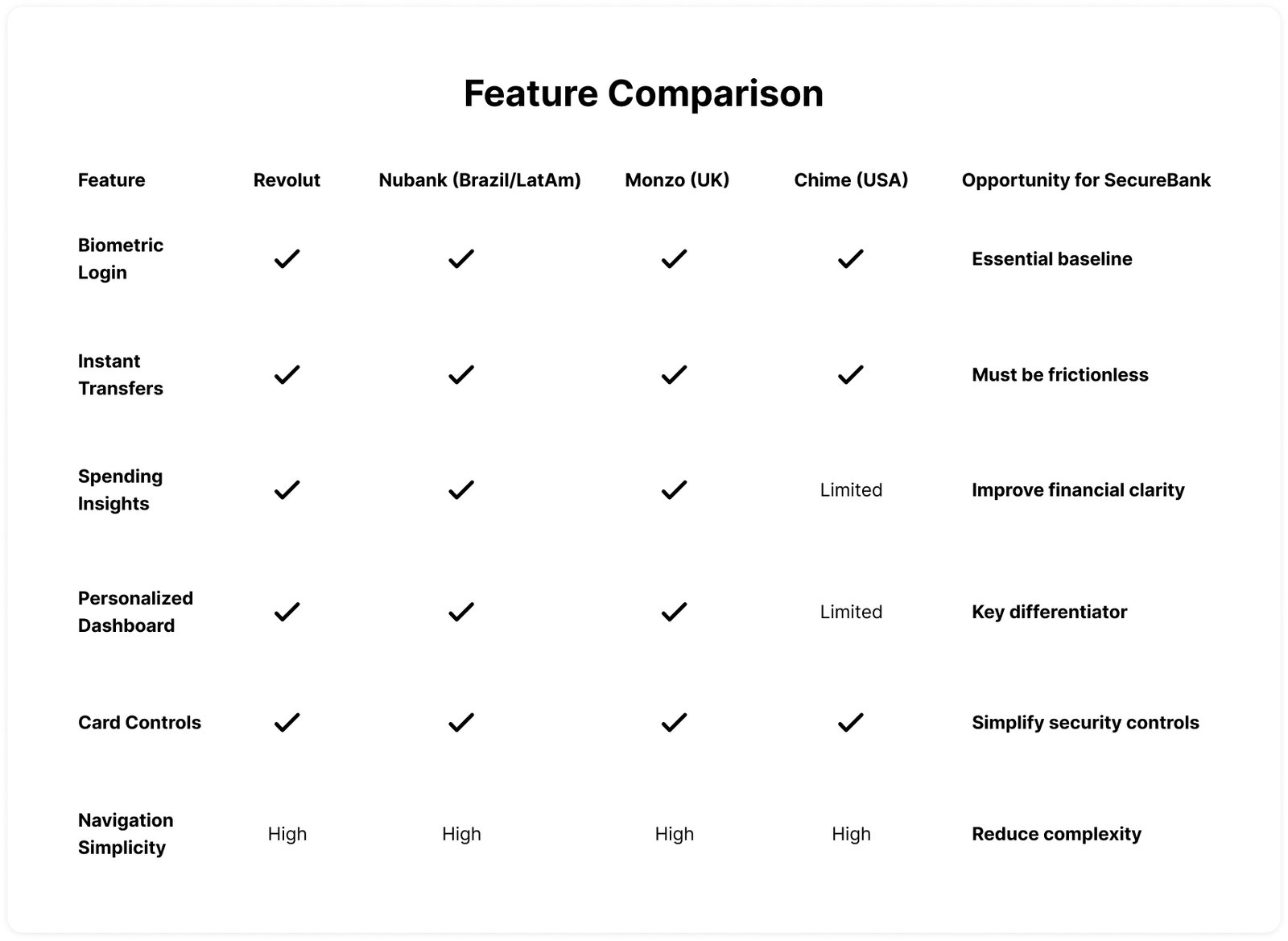
Competitor Research
To understand industry expectations and identify opportunities, I analyzed leading digital-first banking apps.
These platforms were chosen because they represent modern mobile-first banking experiences with strong usability and engagement.
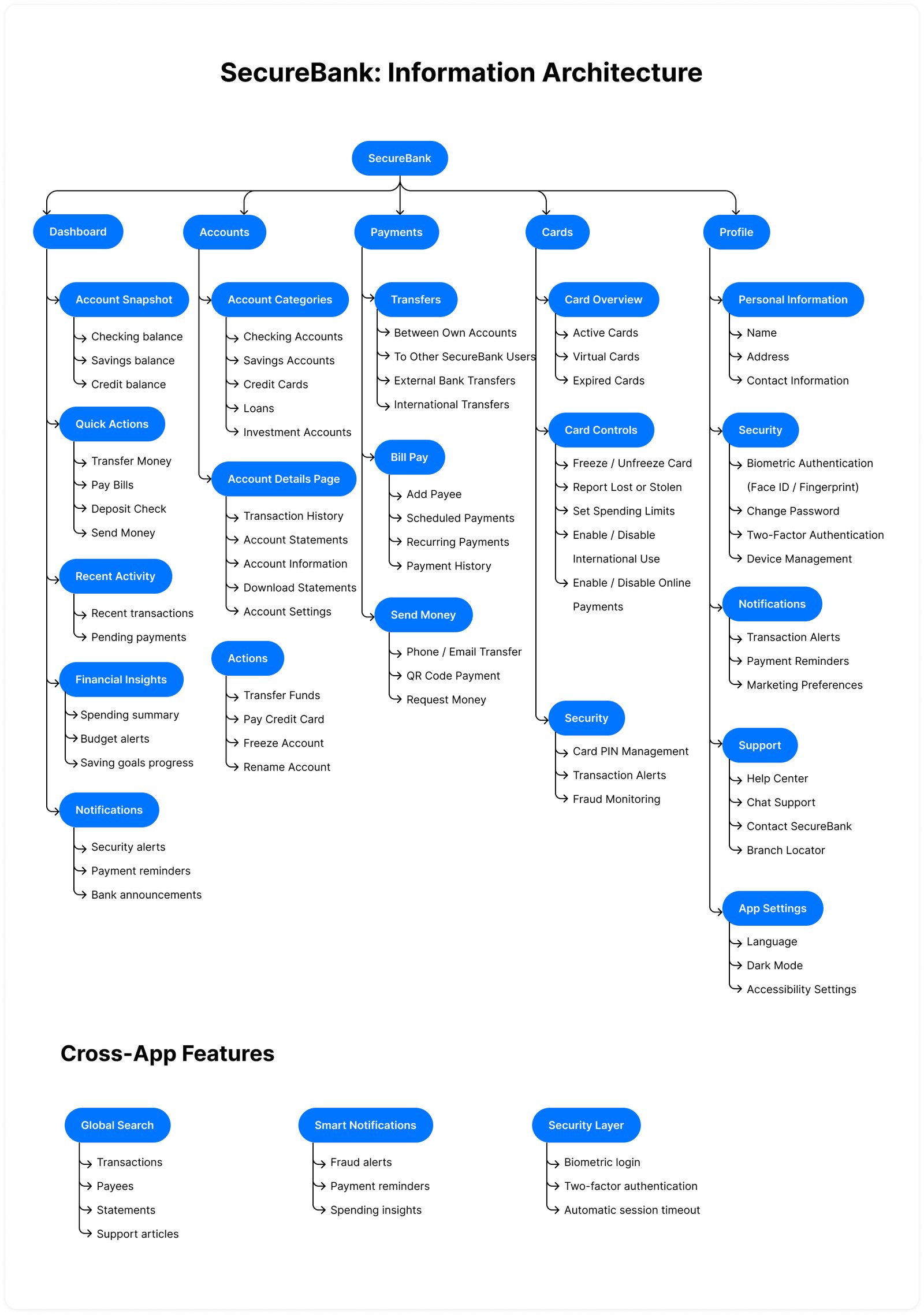
Information Architecture (IA)
This IA prioritizes the most common tasks—checking balances, moving money, and security—to ensure users like Margaret and David can find what they need in under two taps.
Wireframes
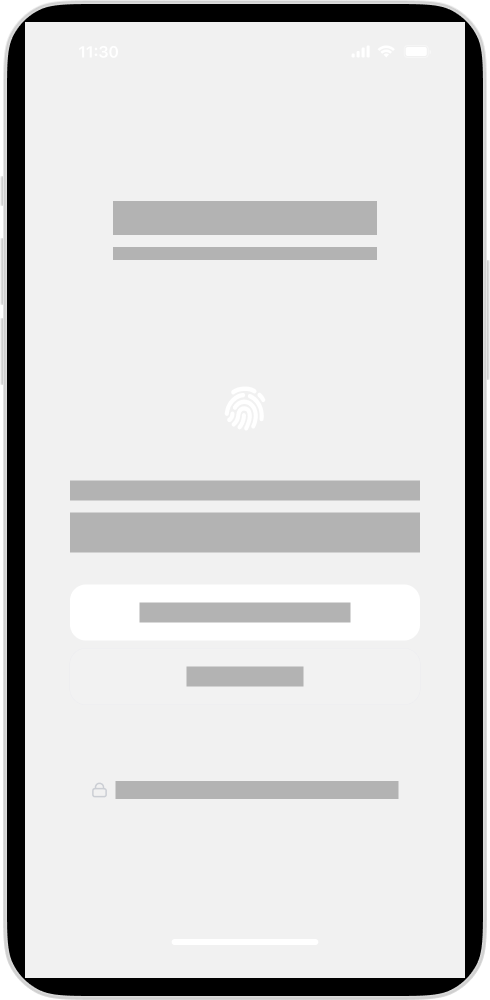
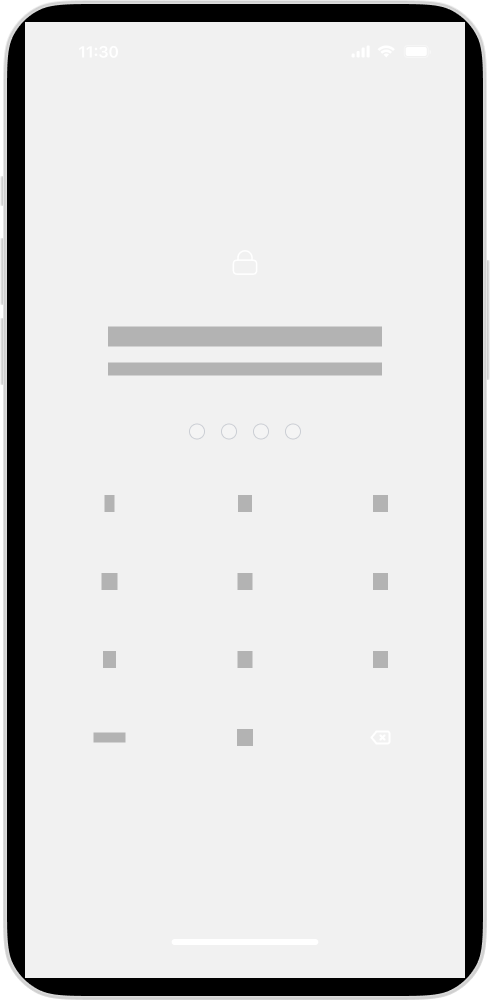
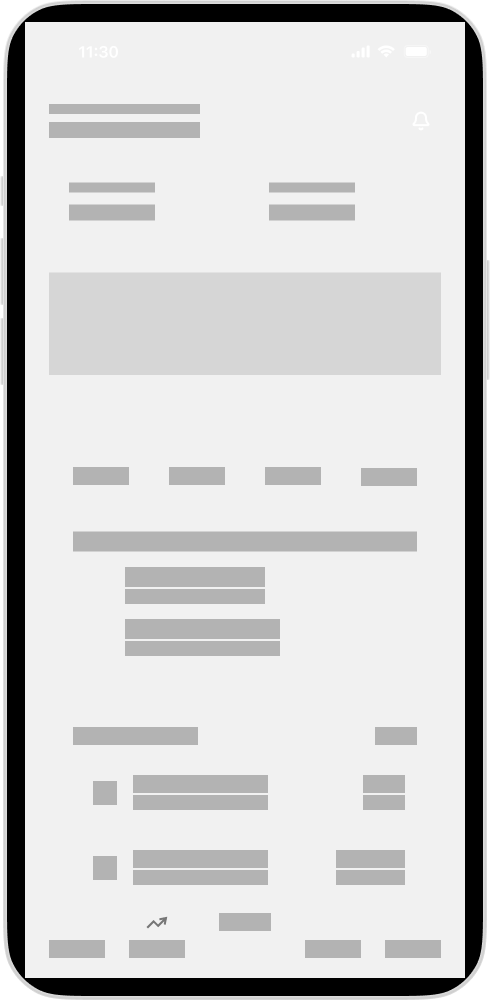
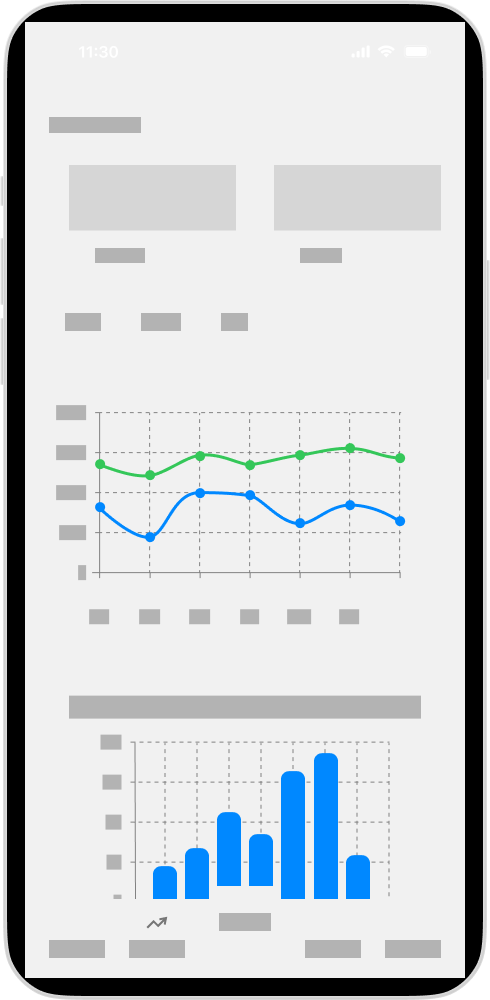
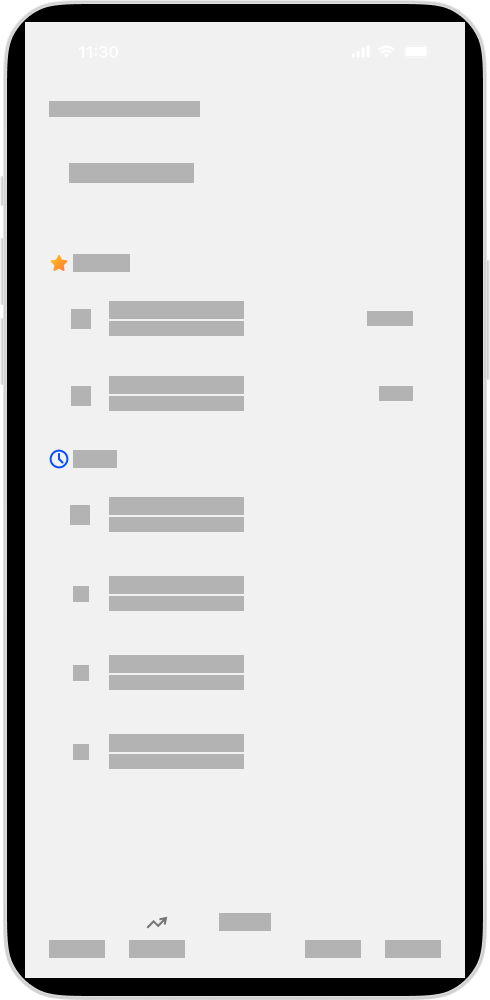
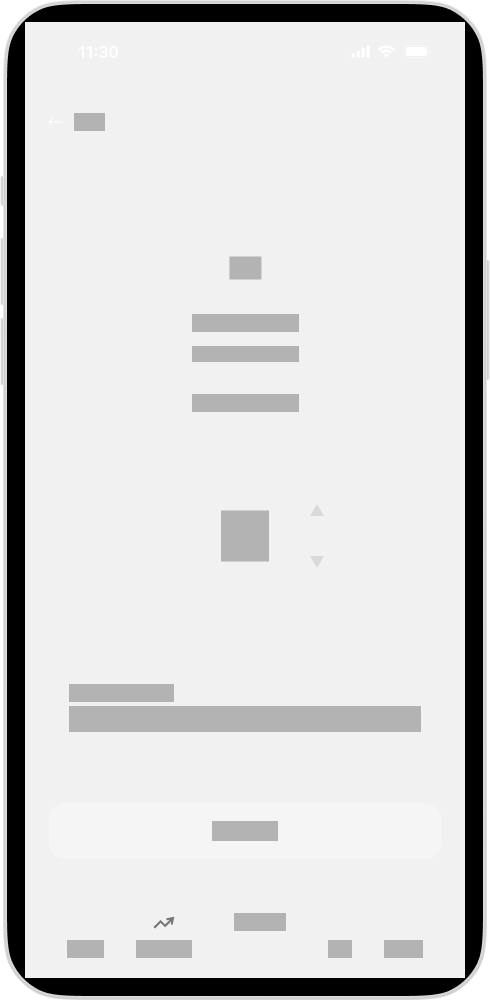
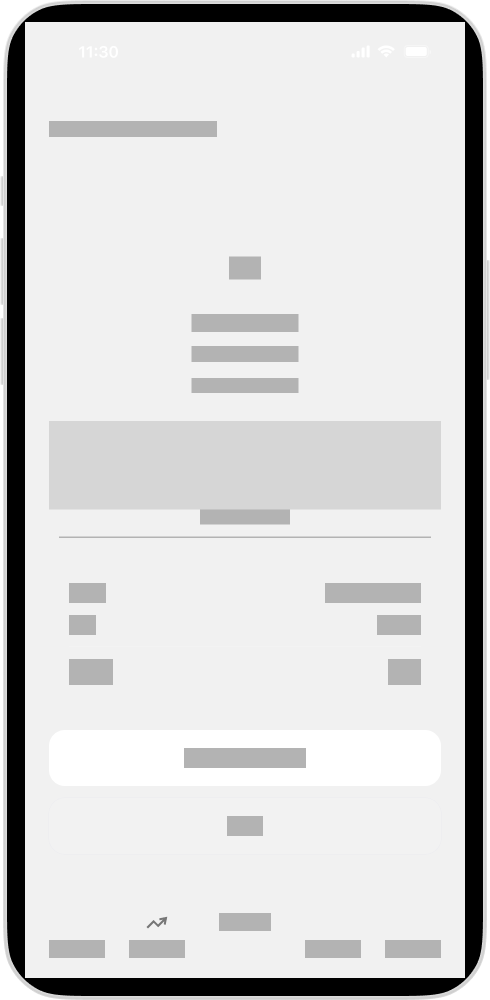
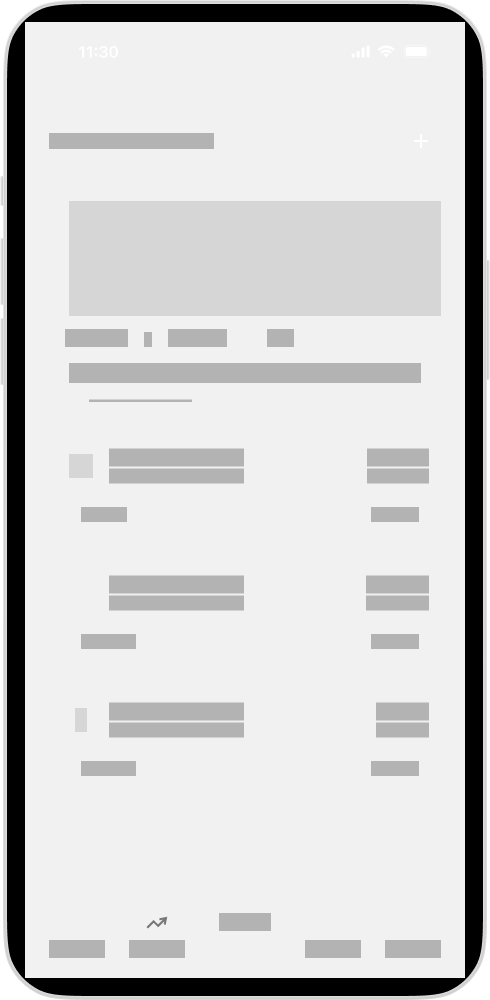
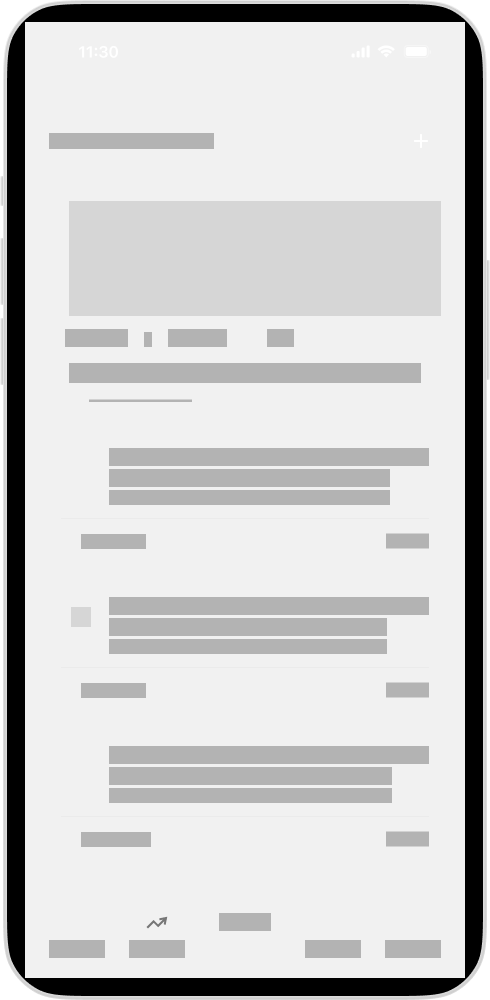
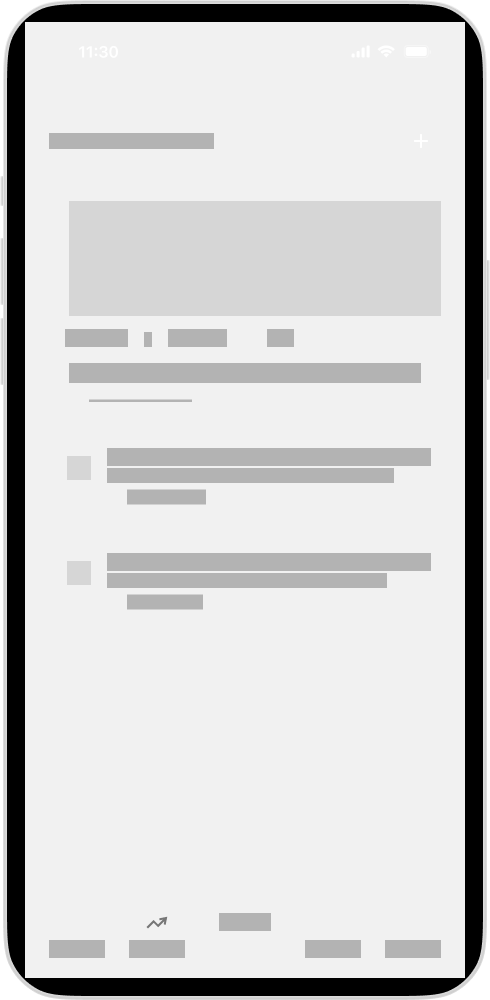
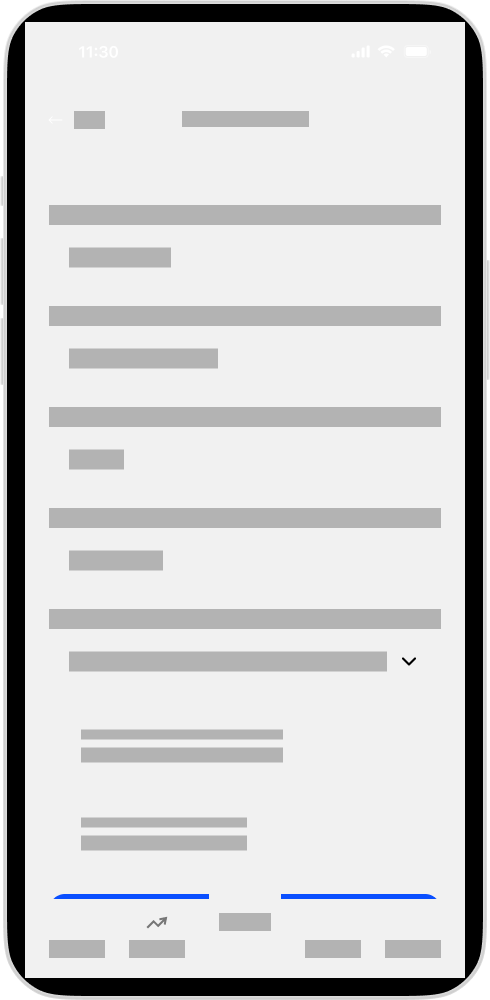
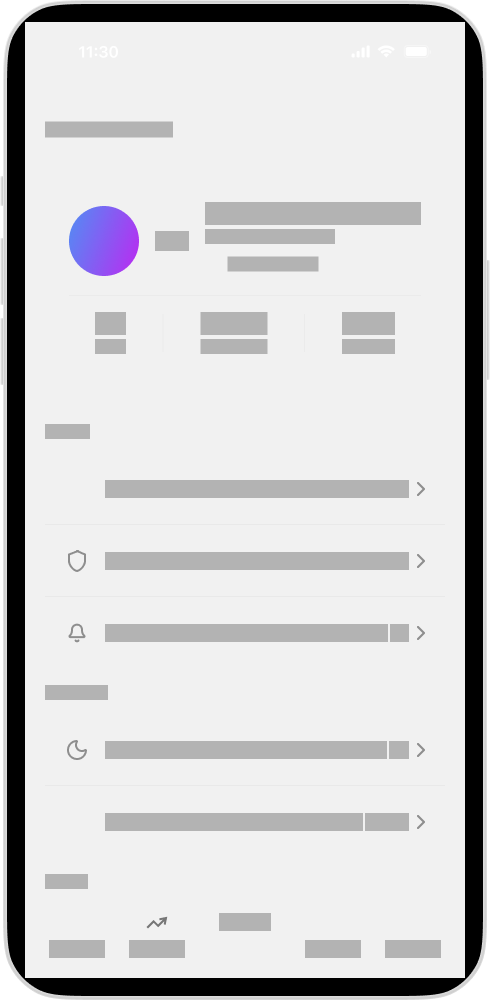
Developed low-fidelity wireframes focusing on simplified navigation and task flows.
User Flow
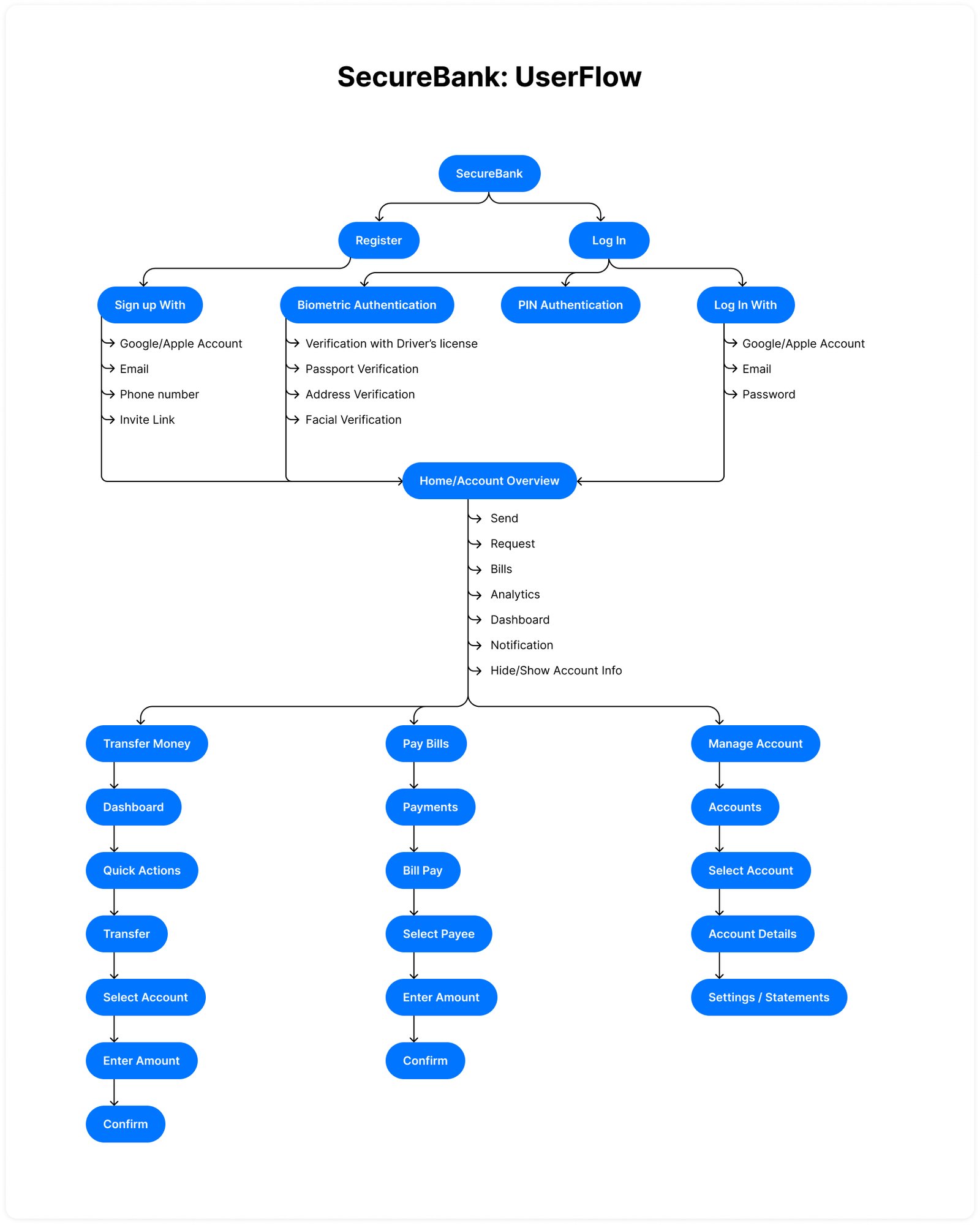
The redesign focused on optimizing the most common banking journeys.
Each flow was redesigned to reduce steps and improve clarity
Core User Flows Includes:
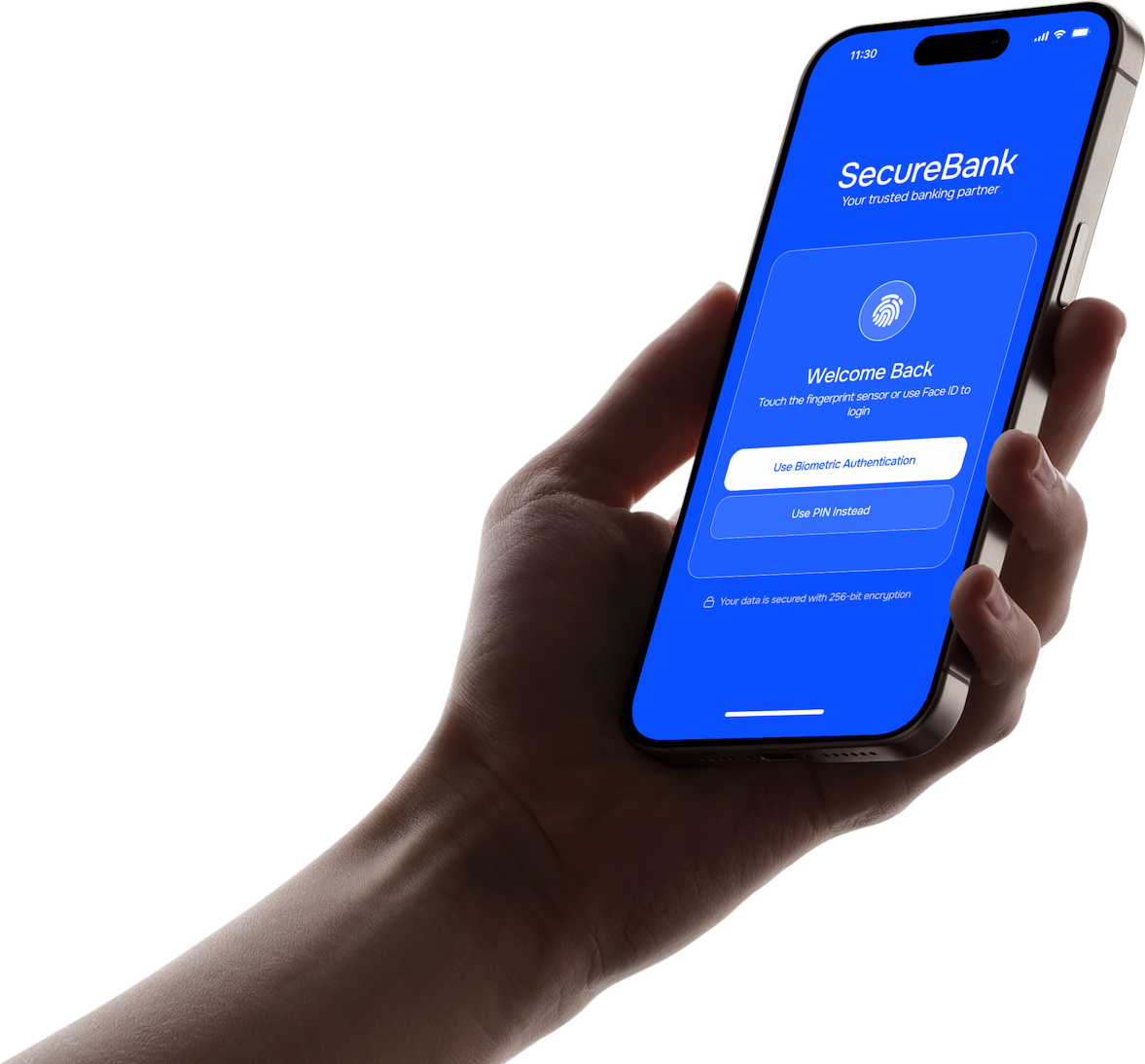
- Login with biometric authentication
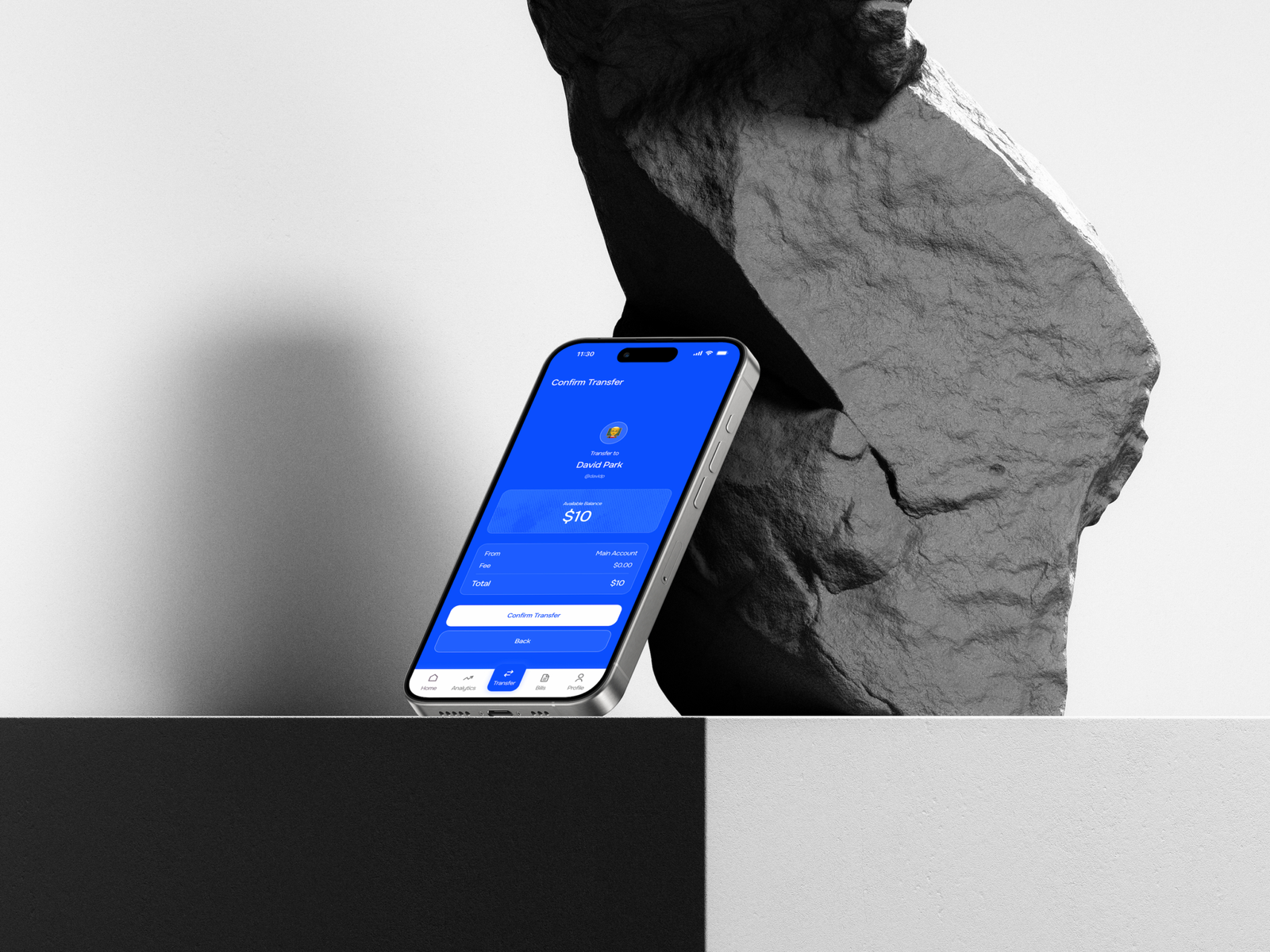
- Transfer money
- Pay bills
- View account activity
- Manage cards and security settings
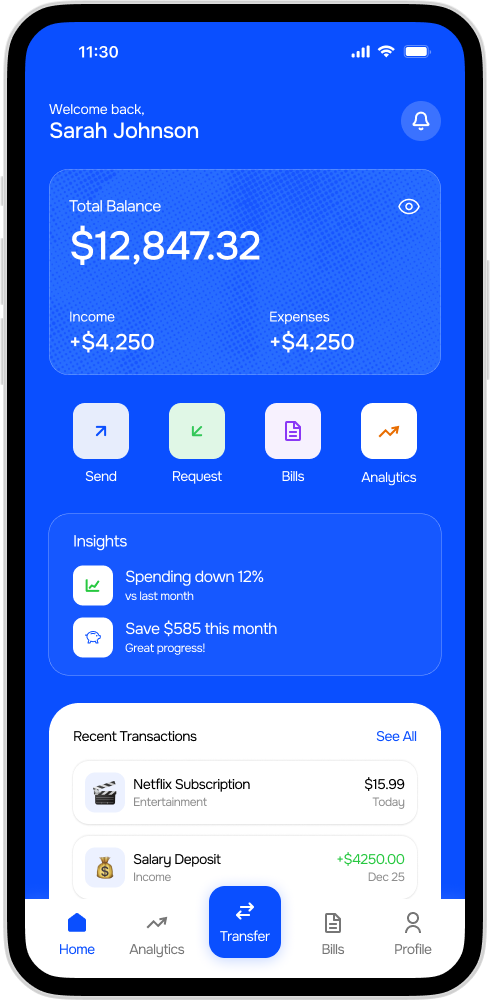
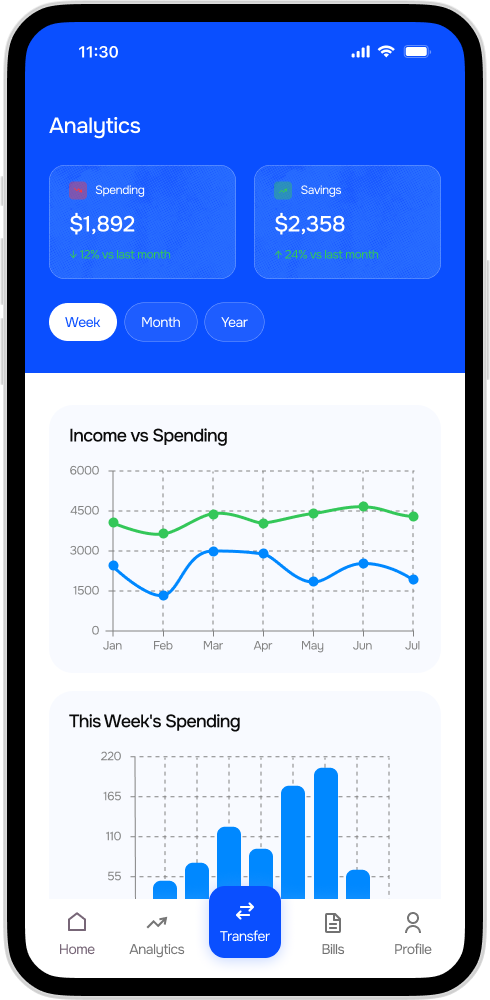
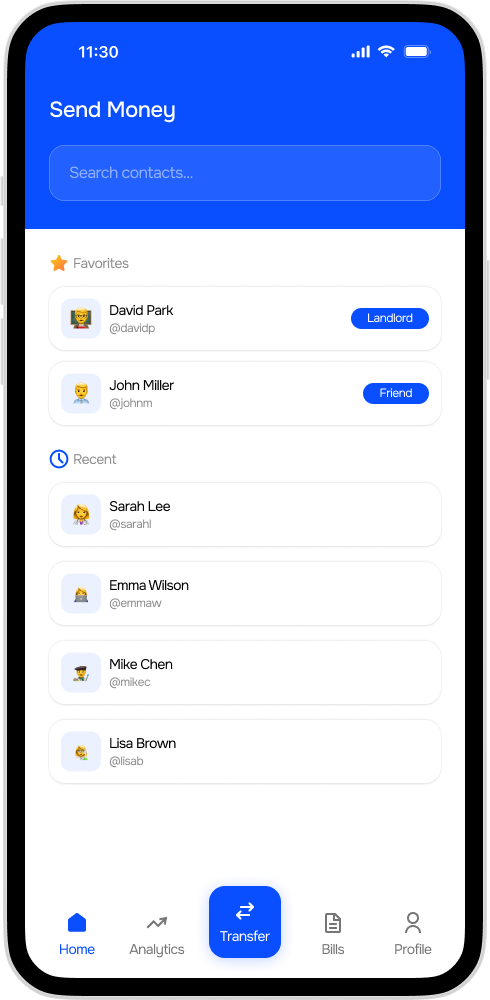
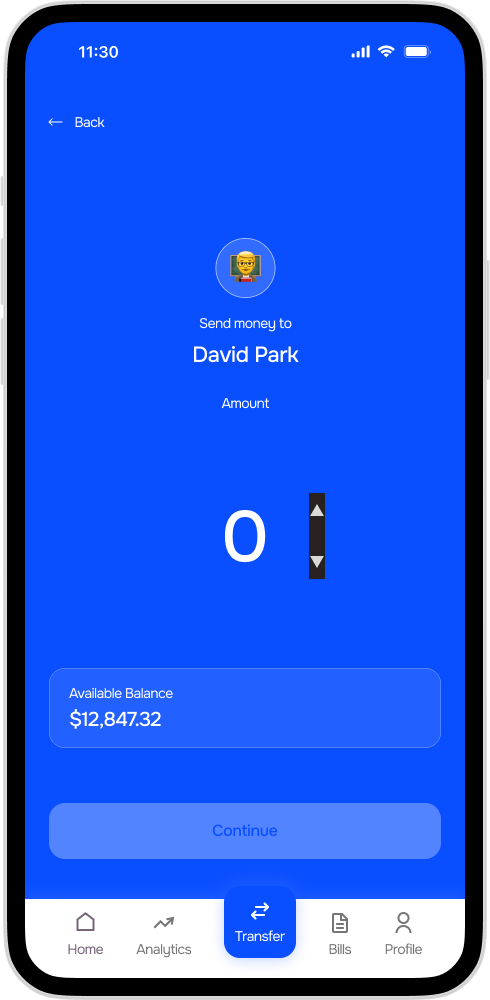
High Fidelity Design
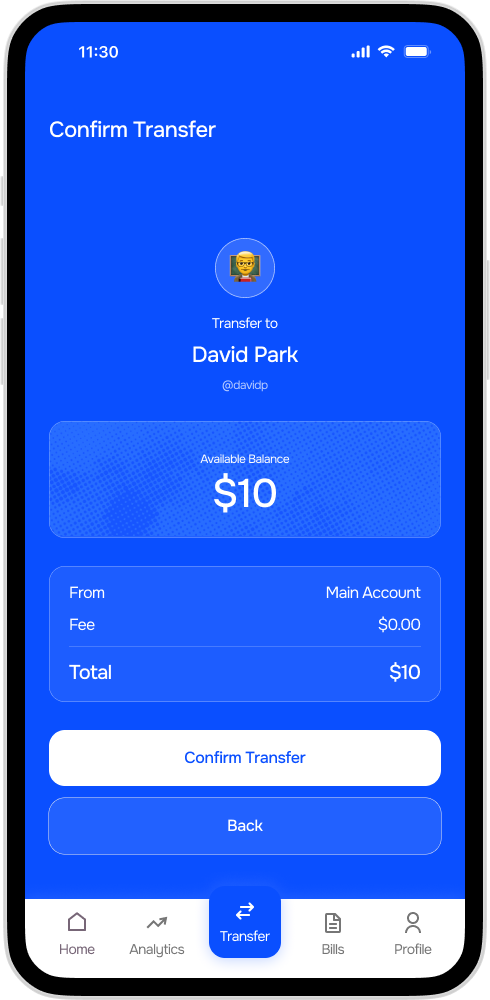
These are the foundational wireframes that demonstrate the product structure.
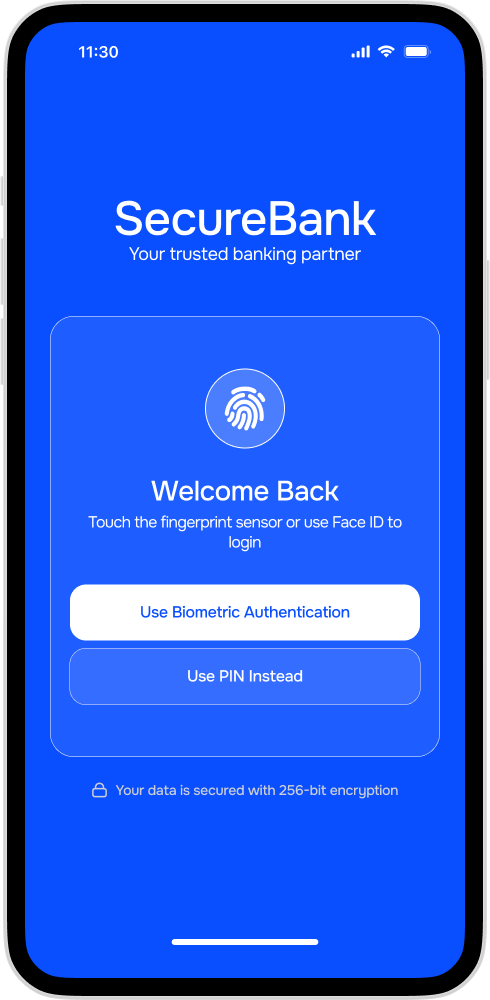
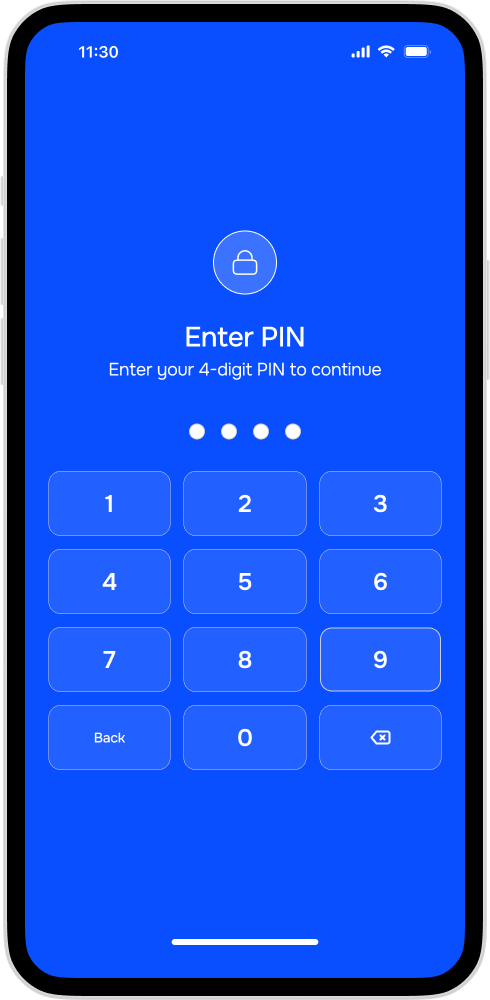
- Screen 1 & 2 Login Screen
- Screen 3 Dashboard and Transaction Details
- Screen 4 Accounts Overview
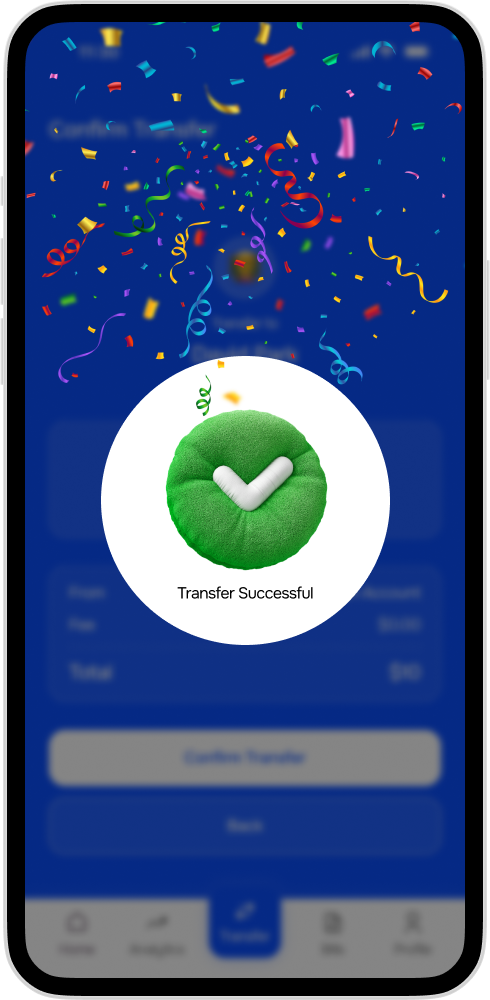
- Screen 5 – 8 Transfer Money Flow
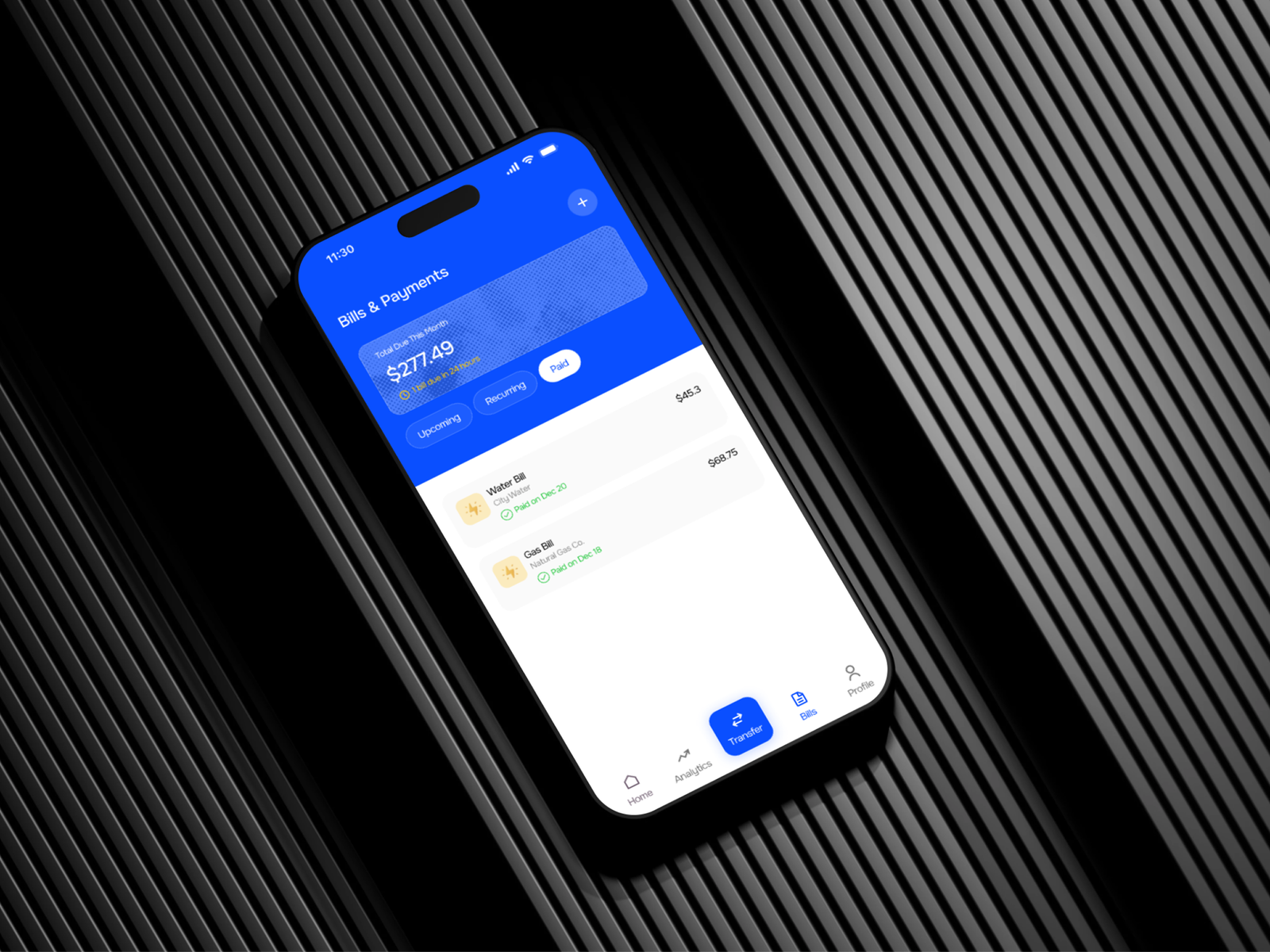
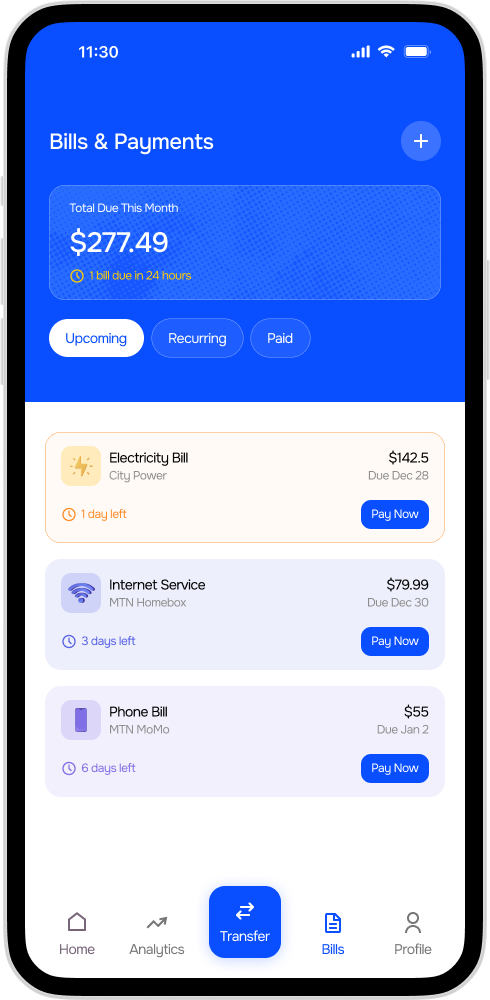
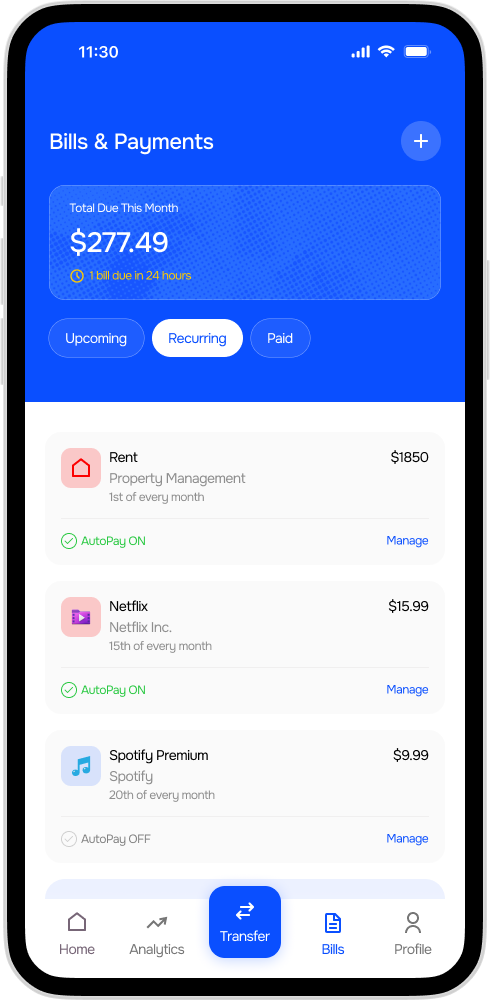
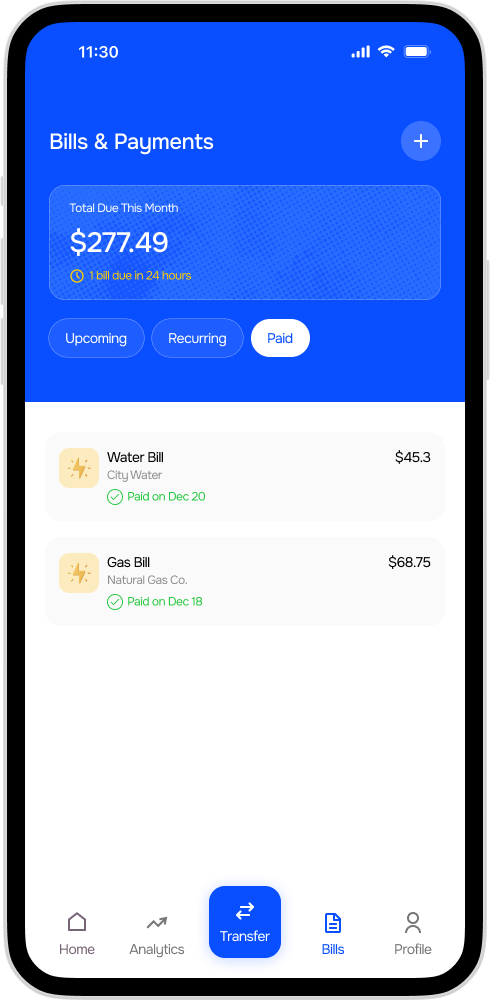
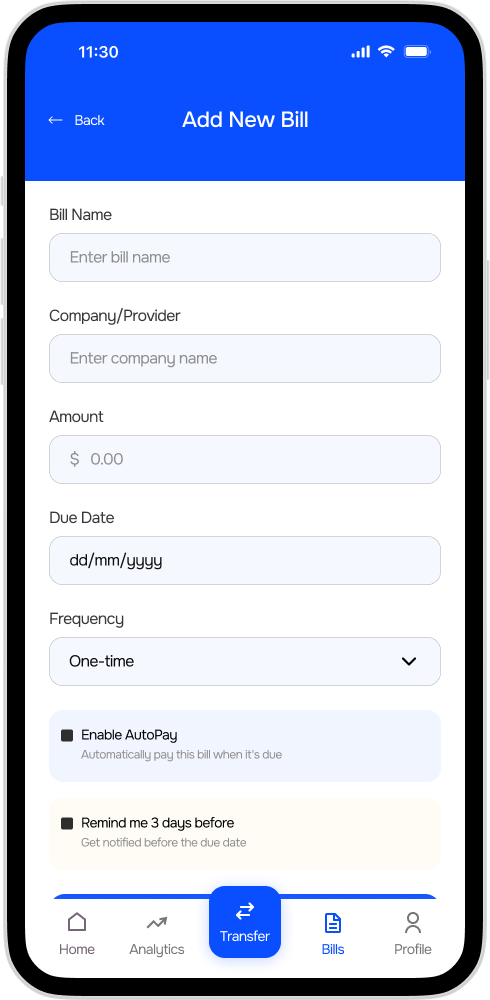
- Screen 9 – 12 Bill Payment
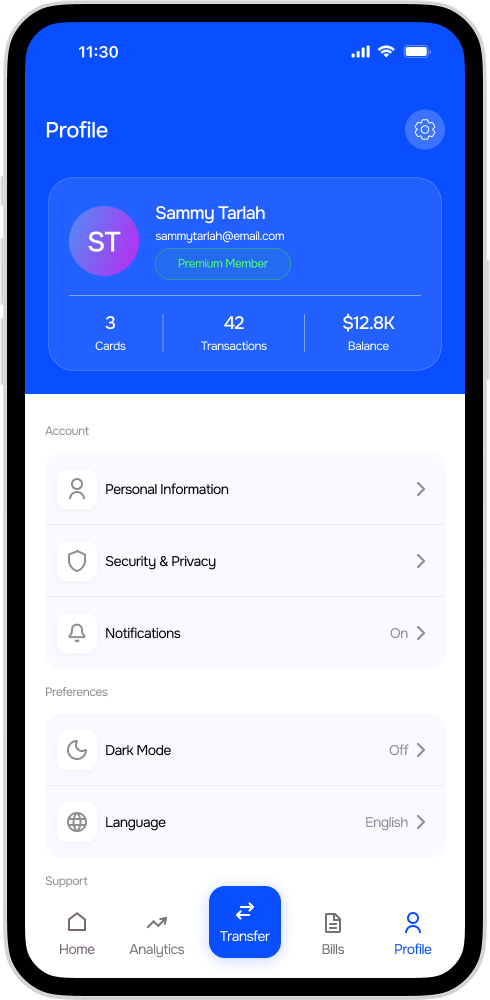
- Screen 13 Profile & Security
Design Solution
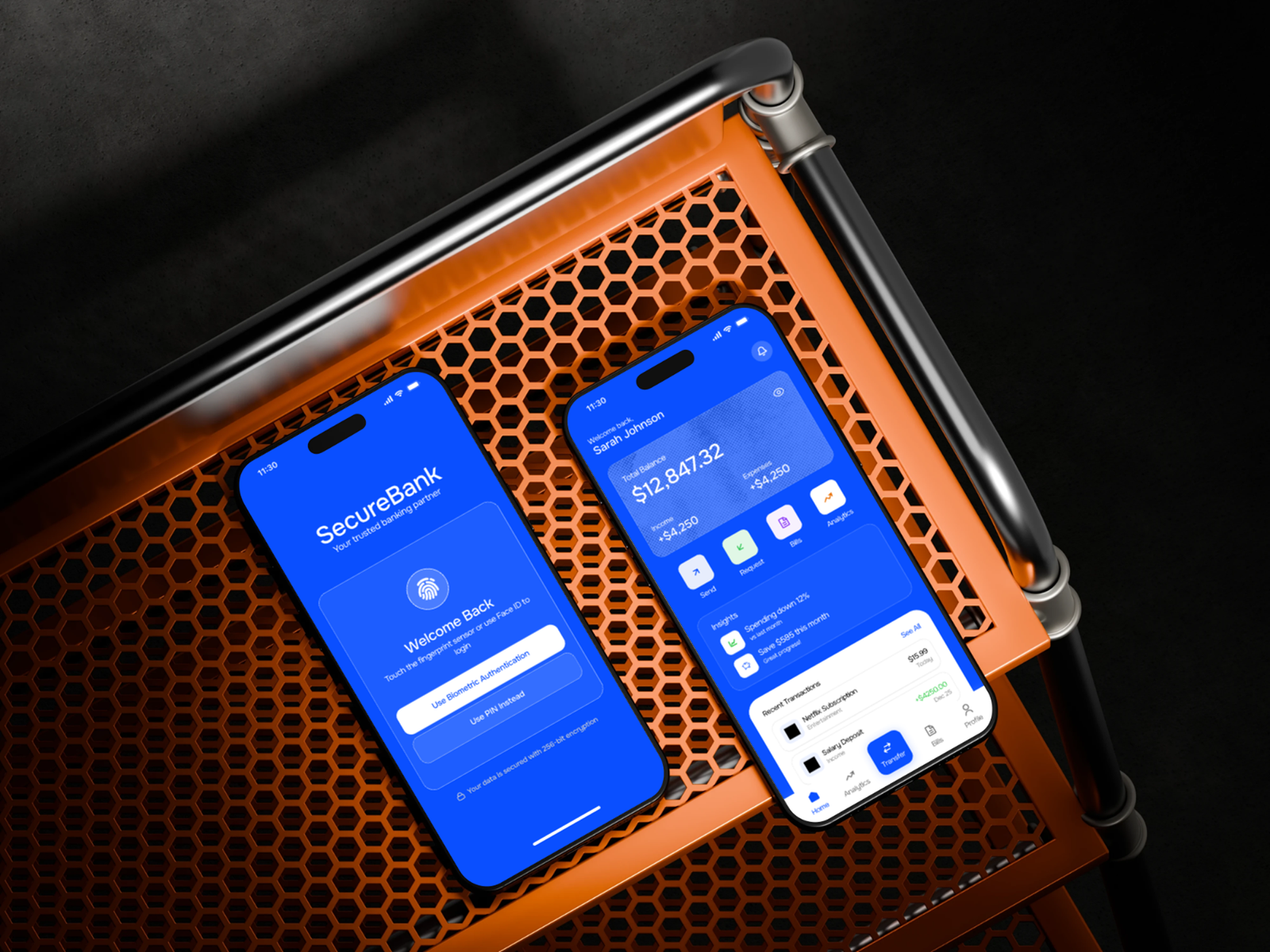
I led a complete redesign focusing on simplifying core banking tasks, implementing biometric authentication, and creating a personalized dashboard.
We conducted extensive user research with 15 customers and ran multiple usability testing sessions to validate our design decisions.
Prototype
Created interactive prototypes for key user journeys including transfers, bill payments, and account management.
Usability Testing
To validate the redesigned experience, usability testing was conducted using interactive prototypes of the SecureBank mobile app.
8 participants a mix of frequent mobile banking users and moderate users were asked to complete common banking tasks including checking balances, transferring money, and paying bills.
Key Findings
1. Users Struggled to Find Transfer Features
In early prototypes, some participants had difficulty locating the transfer option because it was nested inside the Accounts section.
User Feedback
“I expected the transfer option to be on the home screen.”
Improvement
Transfer functionality was added to the Dashboard Quick Actions section, making it accessible within one tap.
Result
Users completed transfers 40% faster during follow-up testing.
2. Login Process Felt Slow
Participants reported frustration with entering passwords every time they opened the app.
User Feedback
“Typing my password every time makes me avoid opening the app.”
Improvement
Biometric authentication was implemented, allowing users to log in using fingerprint or facial recognition.
Result
Login time decreased significantly and users reported a more seamless experience.
3. Transaction Information Was Difficult to Understand
Participants initially struggled to interpret transaction details due to unclear labeling and limited merchant information.
User Feedback
“I’m not sure what this charge is from.”
Improvement
Transaction cards were redesigned to include:
Merchant name and icon
Transaction category
Date and time
Clear transaction amount
Result
Users were able to identify transactions more quickly and confidently.
4. Card Security Controls Were Hard to Locate
Participants had difficulty finding where to freeze or manage their debit card.
User Feedback
“I expected card controls to be easier to find in case of emergencies.”
Improvement
A dedicated Cards section was introduced in the main navigation, giving users direct access to card management tools.
Result
Users successfully located card controls in under 5 seconds during testing.
Usability Testing Outcome
After implementing design improvements, the updated prototype showed measurable usability gains.
Key Takeaway
Usability testing revealed that simplicity and speed were the most important factors for mobile banking users.
By simplifying navigation, implementing biometric authentication, and prioritizing core financial tasks, the redesigned SecureBank app created a more intuitive and efficient banking experience.
Expected Results & Impact